 GEAR
GEARG2 Esports · Rifler
HeavyGod CS2 Crosshair & Settings
An extreme 1240 eDPI played on native 1920×1080 for G2 Esports. A hyper-fast wrist-aim profile that turns site defense into explosive snap duels.
Official Share Code
HeavyGod CS2 Crosshair Code
CSGO-pL5yF-eH7mK-J4n3A-Qzpx5-E7p4D- Open Counter-Strike 2 & click Settings (Gear icon) → Game → Crosshair/Scopes.
- Click the Share or Import button on the visual preview.
- Paste
CSGO-pL5yF-eH7mK-J4n3A-Qzpx5-E7p4Dand click Import.
CSGO- codes may fail to import or render with altered thickness and gap in CS2 since the 22 Sep 2026 update. If this code fails to import, configure your settings in-game via Settings → Game → Crosshair/Scopes.Win a Free M4A1-S | Black Lotus
We give away a verified CS2 skin every month to players using GEARFPS crosshair configs. Free entry, 100% transparent live drawing.
Configuration & Specs
Sensitivity & Video Settings
At 1240 eDPI, HeavyGod is 399 eDPI above the average of the players tracked here. eDPI is DPI multiplied by in-game sensitivity, and it is the standard figure for comparing mechanical mouse travel across players.
Configuration verified on 7 September 2025. Professional settings change between tournaments and roster transfers; if you spot an update, we refresh it regularly.
What the numbers mean
Reading HeavyGod's configuration
At 1240 eDPI (400 DPI at 3.1 sensitivity), HeavyGod plays at more than double the sensitivity of conventional anchors like NiKo. While defensive riflers typically hold passive angles with low eDPI, HeavyGod uses blistering flick speed to punish aggressive dry peeks.
Playing a high sensitivity on native 1920×1080 resolution is an extraordinarily demanding combination. Targets appear narrower than on 4:3 stretched, meaning that at 1240 eDPI, a mere millimeter of hand movement covers multiple head widths.
He tames this fiery speed with the 60-gram Logitech G Pro X Superlight in Magenta on an Artisan Ninja FX Zero XSoft pad, backed by the Logitech G Pro X TKL RAPID keyboard and Logitech G PRO X 2 LIGHTSPEED headset.
Hardware & Peripherals
What HeavyGod plays on
Before you copy it
An eDPI on its own tells you almost nothing
A professional's sensitivity was chosen alongside a specific mousepad, a specific desk depth and a specific grip. Lift the number out of that context and you get someone else's compromise.
Use it as a starting point instead. Set 400 DPI, set the in-game figure to reach 1240 eDPI, then play a few hours and check one thing: does a 180 degree turn fit on your pad without lifting? If it does not, the number is wrong for your desk, whatever it does for HeavyGod.
Compare
The other configurations we track
- m0NESY — 920 eDPITeam Falcons · AWPer
- ZywOo — 800 eDPITeam Vitality · AWPer
- NiKo — 560 eDPITeam Falcons · Rifler
- s1mple — 1236 eDPIBC.Game · AWPer
- donk — 1000 eDPITeam Spirit · Rifler
- ropz — 708 eDPITeam Vitality · Rifler
- apEX — 764 eDPITeam Vitality · IGL / Entry
- kyousuke — 1024 eDPITeam Falcons · Rifler
- b1t — 560 eDPINatus Vincere · Rifler
- sh1ro — 680 eDPITeam Spirit · AWPer
- malbsMd — 800 eDPITeam Liquid · Rifler / Entry
- jL — 800 eDPIInactive / ex-NAVI · Rifler
- frozen — 800 eDPIFaZe Clan · Rifler / Star Anchor
- flameZ — 720 eDPITeam Vitality · Entry Fragger
Season 1 · CS2 skin giveaway
CS2 Rifle
M4A1-SBlack Lotus
Field-Tested
One skin, given away every month to subscribers of the YouTube and TikTok channels. Free to enter, no purchase, no gear required.
Claim your ticket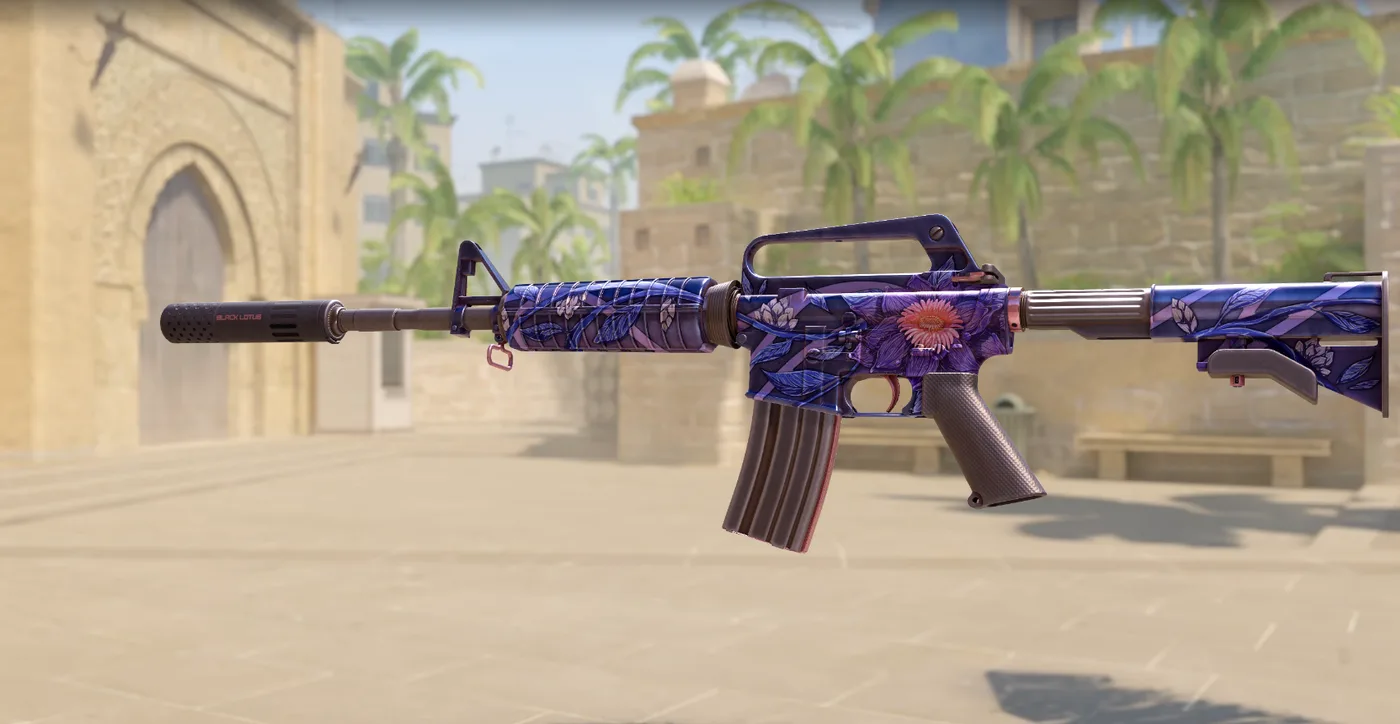
Win a CS2 M4A1-S Black Lotus this month. Free entry for subscribers + daily tickets on Daily Duel.